

Toyota App
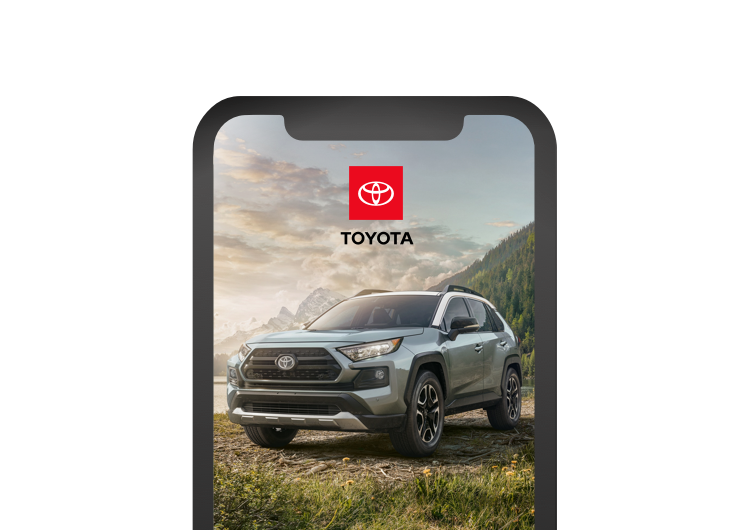
Stay connected to your Toyota wherever you go.
The Toyota app is compatible with select 2010 or newer vehicles. (1) Available features vary by vehicle and subscription type. (2) Remote services: Be aware of vehicle surroundings. Operate when legal and safe (e.g. do not start engine in enclosed space or if occupied by a child.) See Owner's Manual for limitations.

Check up on your Toyota's health.
Get service deals, receive recall alerts and access maintenance information—all from the app.

Control remotely.
Use the Toyota app to find your vehicle in a crowded parking lot, start the vehicle, or check vehicle status.*

Works with your smartwatch.*
Access remote services using your compatible smartwatch.

Make a Payment
Link the Toyota app with your TFS online account.
Getting Started
- Download the “Toyota” app.
- Sign in using your Toyota Owners credentials or create a new account.
- Add your vehicle and explore the Toyota App.
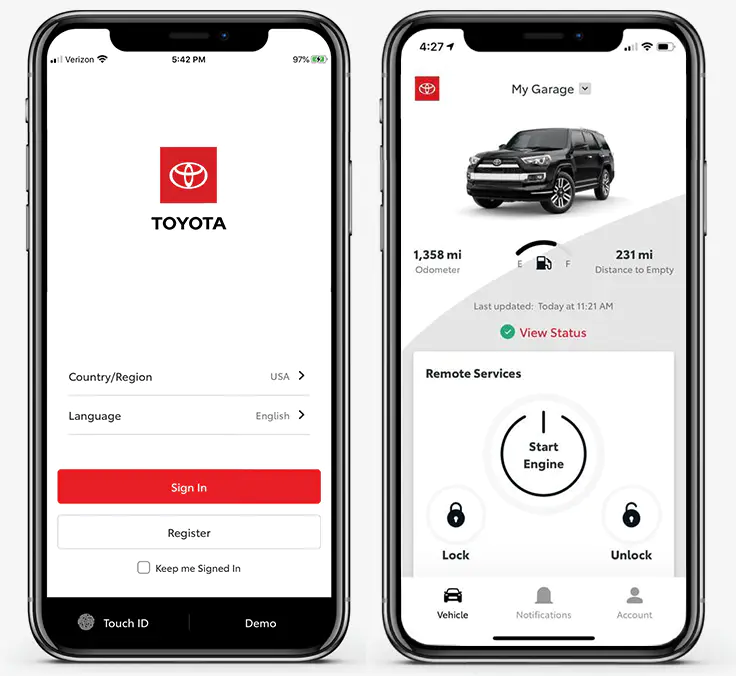
How To Use Remote Connect in the Toyota App


*Not all smartwatches are compatible with Remote Connect: Samsung Gear, Fitbit, Garmin are not compatible.
Detroit's Most Awarded Toyota Dealership